Overview
How to configure Social Authentication for IntelliAsk
This section will cover how to configure OAuth2 and OpenID Connect with IntelliAsk
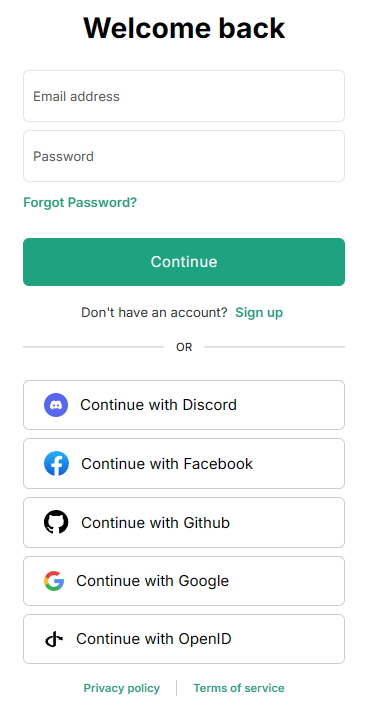
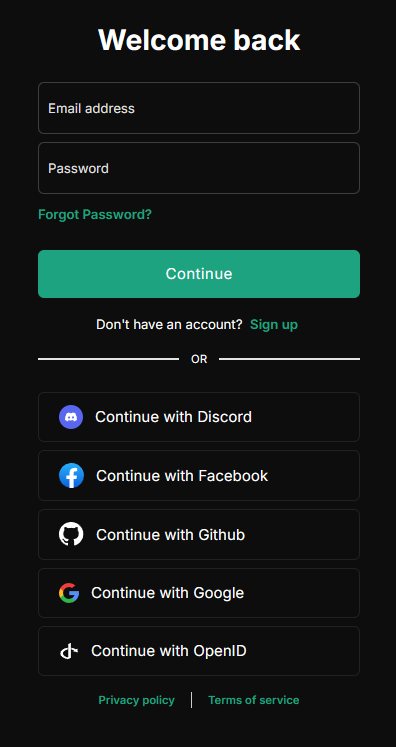
OAuth2
OpenID Connect
Troubleshooting OpenID Connect
If you encounter issues with OpenID Connect authentication:
- Enable Header Debug Logging: Set
DEBUG_OPENID_REQUESTS=truein your environment variables to log request headers in addition to URLs (with sensitive data masked). Note: Request URLs are always logged at debug level - Check Redirect URIs: Ensure your callback URL matches exactly between your provider and IntelliAsk configuration
- Verify Scopes: Make sure all required scopes are properly configured
- Review Provider Logs: Check your identity provider's logs for authentication errors
- Validate Tokens: Ensure your provider is issuing valid tokens with the expected claims
- Ensure nonce is generated: Some identity providers generate
nonceurl parameter if it's missing in the request. SetOPENID_GENERATE_NONCE=trueto force the openid-client to generate it.
Admin Panel Redirects
If the Admin Panel is hosted on a separate URL from IntelliAsk, set ADMIN_PANEL_URL in the IntelliAsk API environment. This tells IntelliAsk where to send admins after the admin OAuth or SSO callback completes.
Last updated on