Learn how to configure IntelliAsk to use Facebook for user authentication.
⚠️ Warning: Work in progress, not currently functional
❗ Note: Facebook Authentication will not work from
localhost
Create a Facebook Application
-
Go to the Facebook Developer Portal
-
Click on "My Apps" in the header menu

- Create a new application
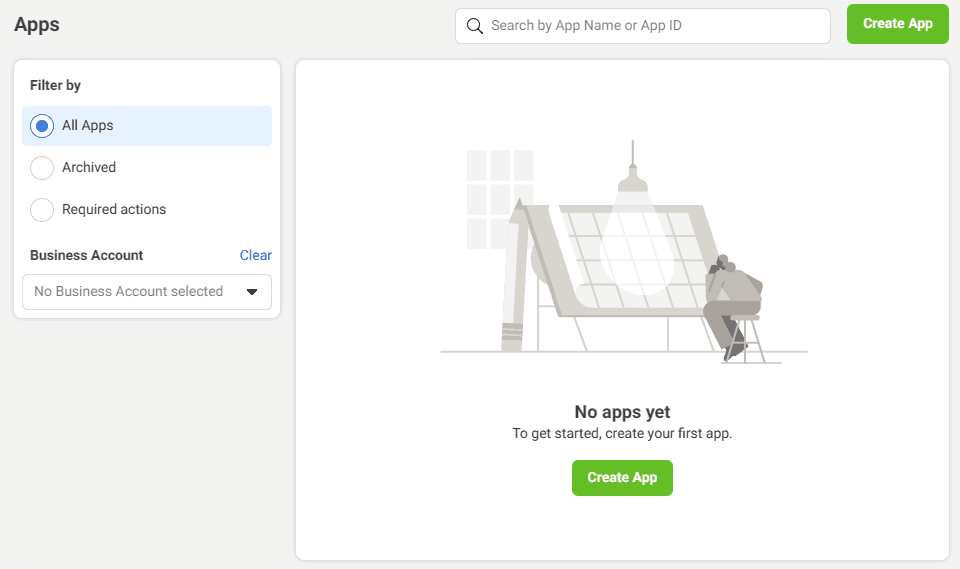
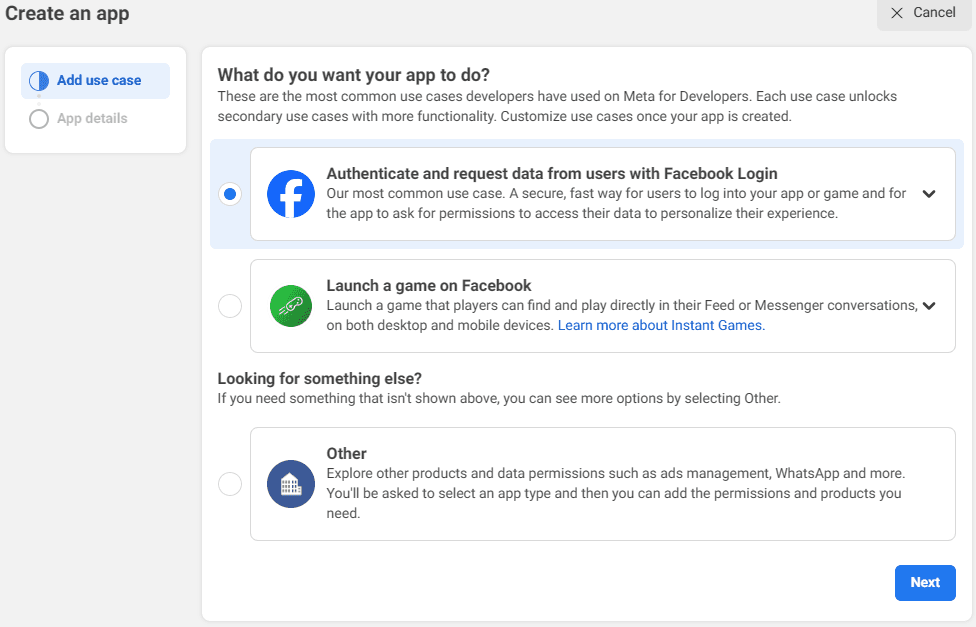
- Select "Authenticate and request data from users with Facebook Login"
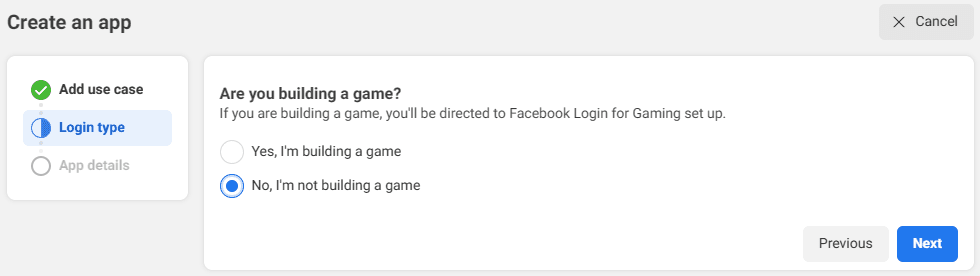
- Choose "No, I'm not creating a game"
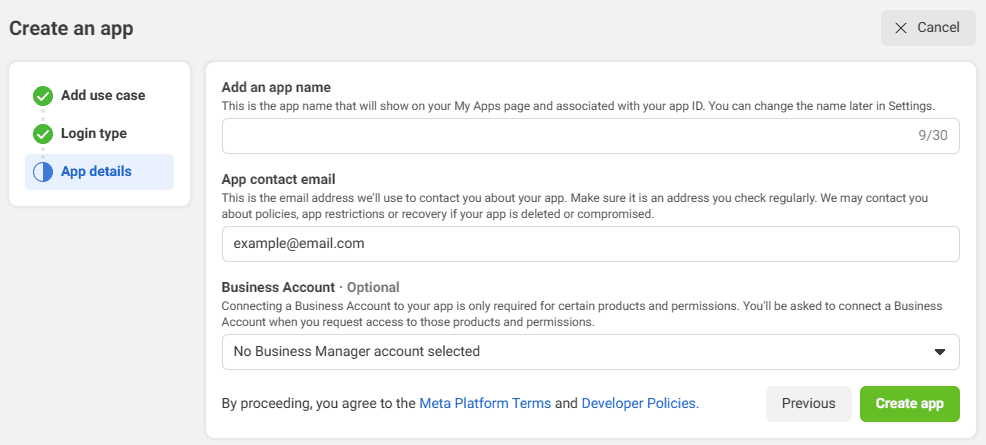
- Provide an
app nameandApp contact emailand clickCreate app
Facebook Application Configuration
- In the side menu, select "Use cases" and click "Customize" under "Authentication and account creation."
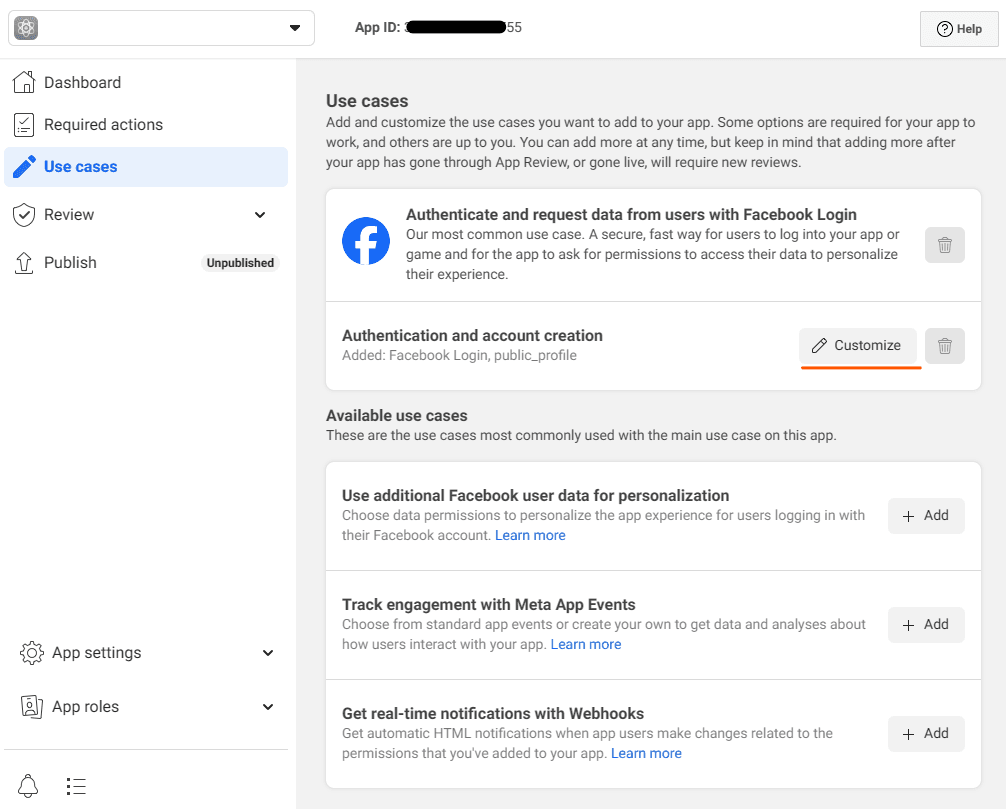
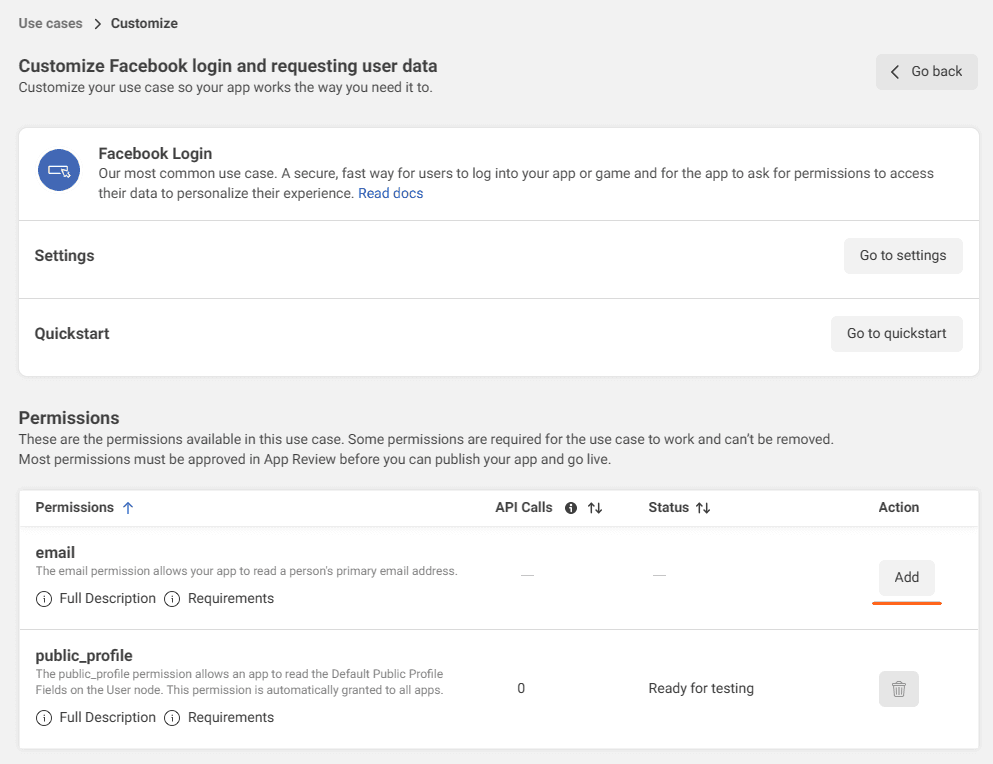
- Add the
email permission
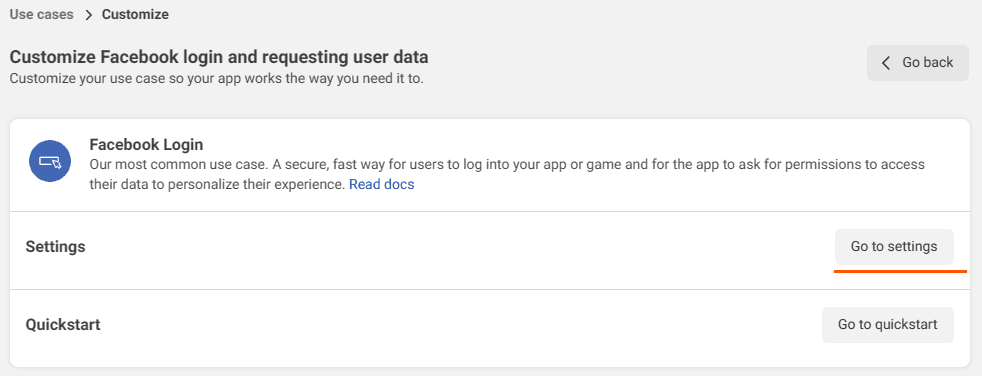
- Now click
Go to settings
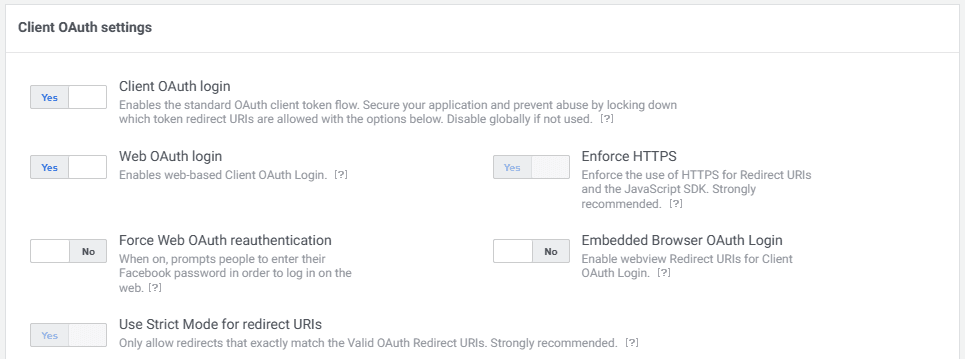
- Ensure that
Client OAuth login,Web OAuth loginandEnforce HTTPSare enabled.
- Add a
Valid OAuth Redirect URIsand "Save changes"- Example for a domain:
https://example.com/oauth/facebook/callback
- Example for a domain:

- Click
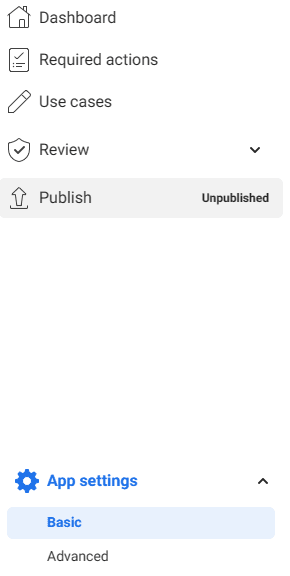
Go backand selectBasicin theApp settingstab
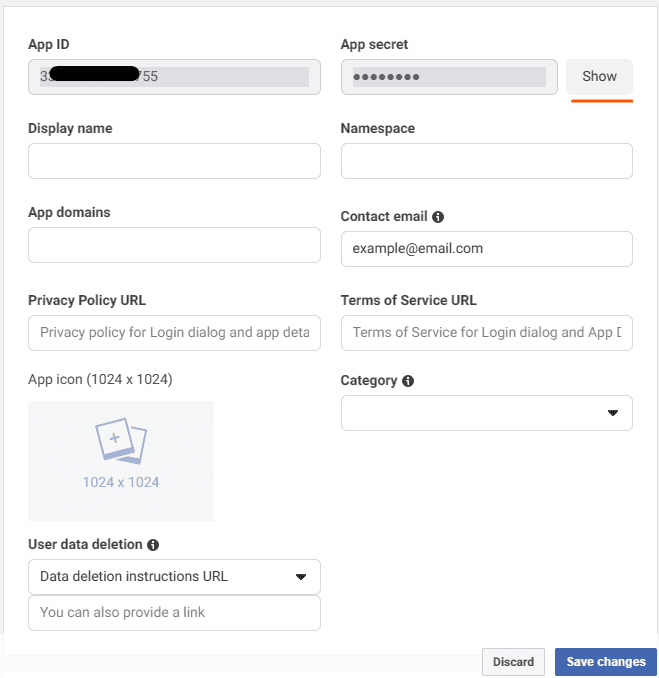
- Click "Show" next to the App secret.
.env Configuration
- Copy the
App IDandApp Secretand paste them into the.envfile as follows:
- Save the
.envfile.
Note: If using docker, run
docker compose up -dto apply the .env configuration changes
Last updated on