GitHub
Learn how to configure IntelliAsk to use GitHub for user authentication.
Create a GitHub Application
- Go to your Github Developer settings
- Create a new GitHub app

GitHub Application Configuration
- Give it a
GitHub App nameand set yourHomepage URL- Example for localhost:
http://localhost:3080 - Example for a domain:
https://example.com
- Example for localhost:
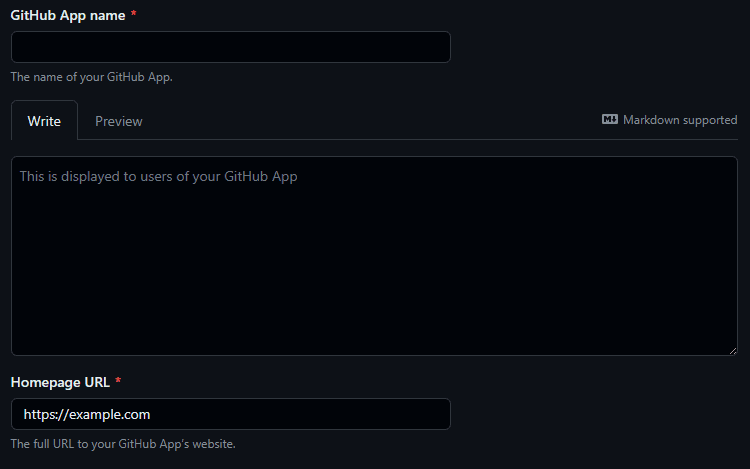
- Add a valid
Callback URL:- Example for localhost:
http://localhost:3080/oauth/github/callback - Example for a domain:
https://example.com/oauth/github/callback
- Example for localhost:
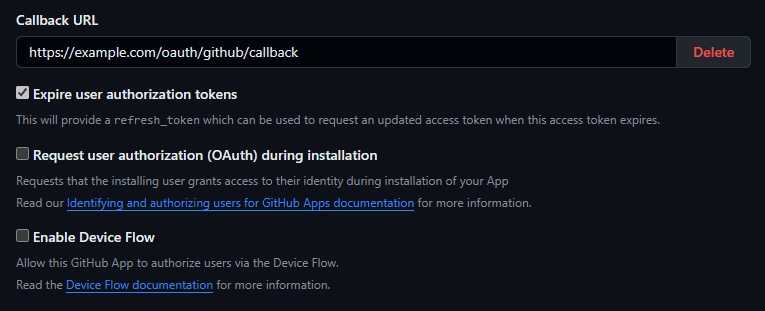
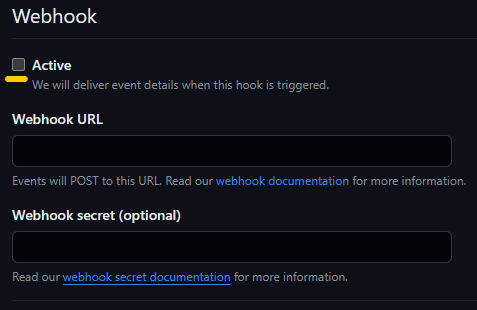
- Uncheck the box labeled
Activein theWebhooksection
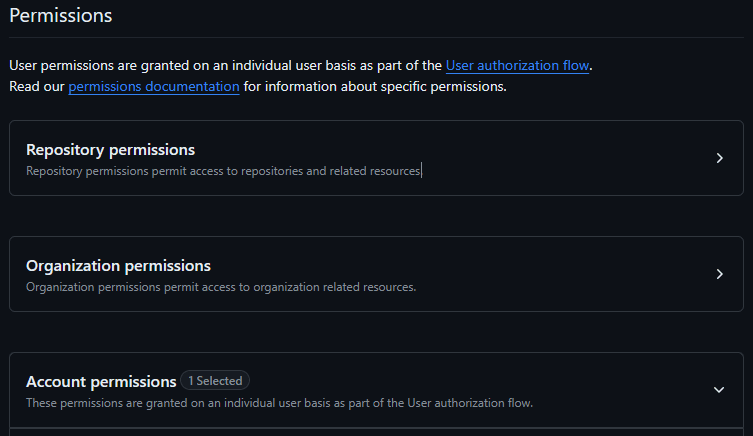
- Scroll down to
Account permissionsand setEmail addressestoAccess: Read-only

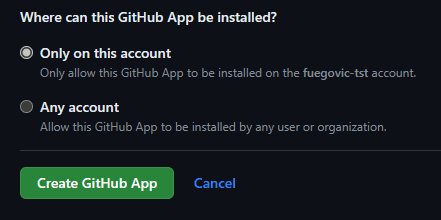
- Click on
Create GitHub App
.env Configuration
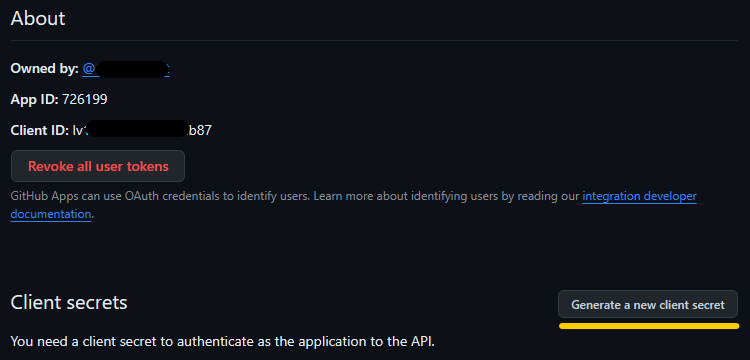
- Click
Generate a new client secret
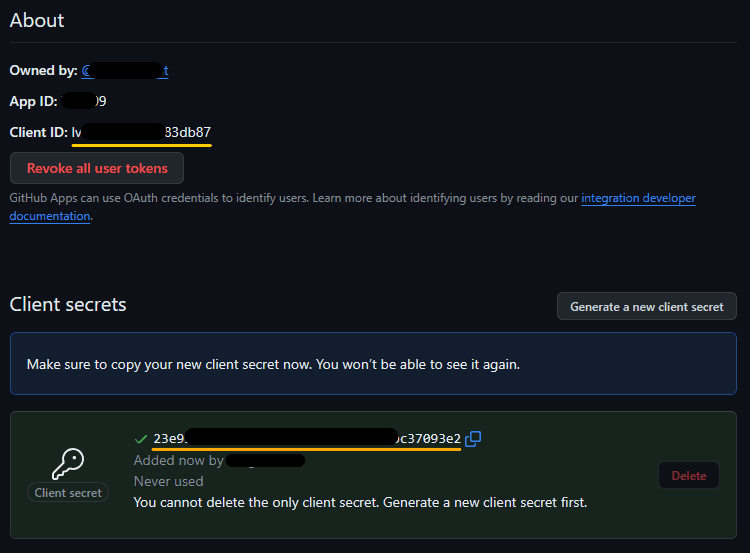
- Copy the
Client IDandClient Secretin the.envfile
- Save the
.envfile
Note: If using Docker, run
docker compose up -dto apply the .env configuration changes
Last updated on