Deepseek
Configure Deepseek as a custom endpoint in IntelliAsk.
Deepseek serves its chat, coder, and reasoner models through an OpenAI-compatible API that you can add to IntelliAsk as a custom endpoint.
Get an API key
Create a key from the Deepseek platform. Add it to your .env file:
Configuration
Add the endpoint to the custom list under endpoints in your intelliask.yaml. If your file already has an endpoints.custom list, paste only the - name: entry into it, keeping the same indentation:
Notes
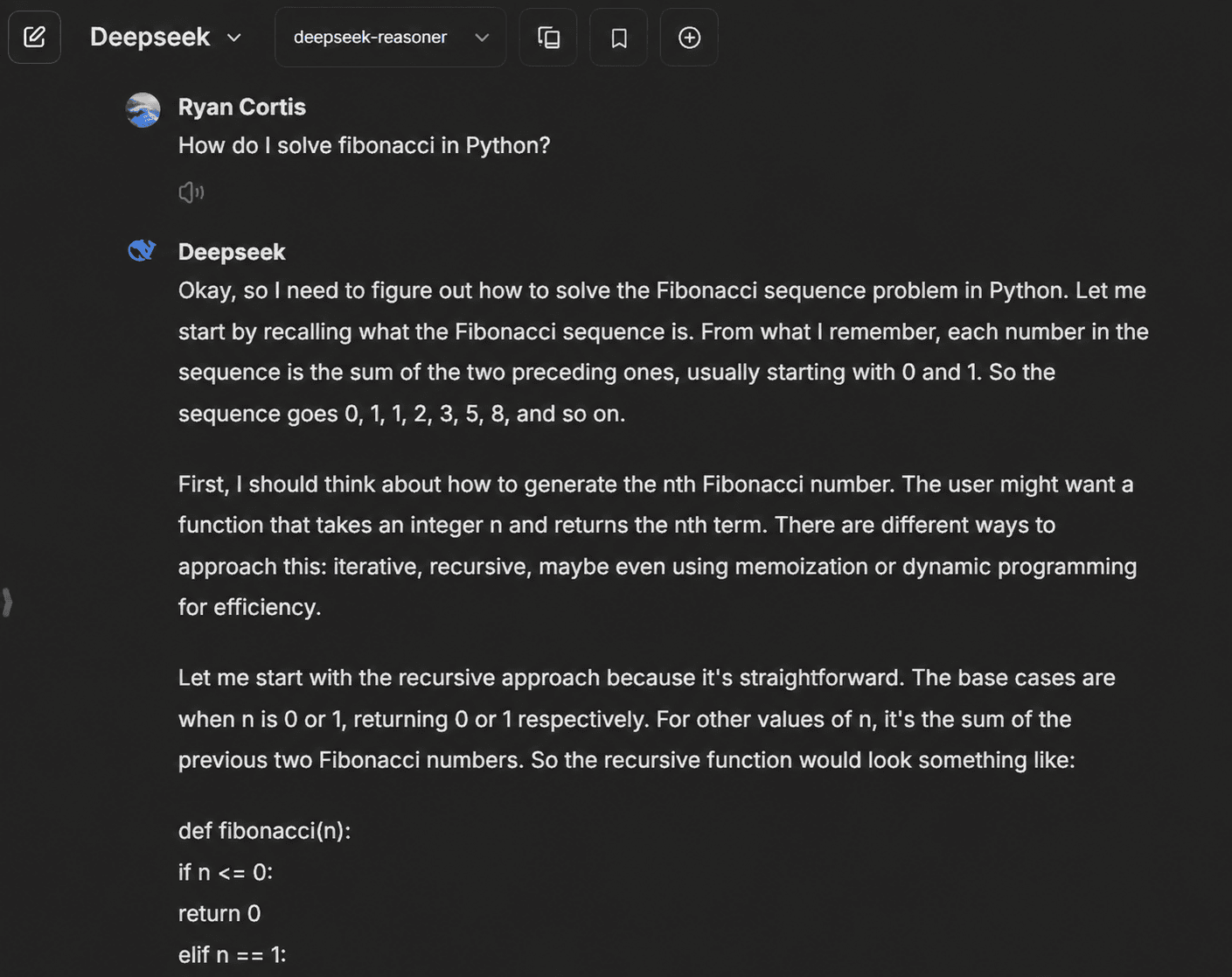
deepseek-chatanddeepseek-coderwork with Agents and tools.deepseek-reasoner, codenamed "R1," is supported and streams its thought process, but some OpenAI API parameters may not work with it. R1 can also work with Agents when tools are not used.deepseek-chatis the preferred model for title generation.
Last updated on